Apple Security Explained
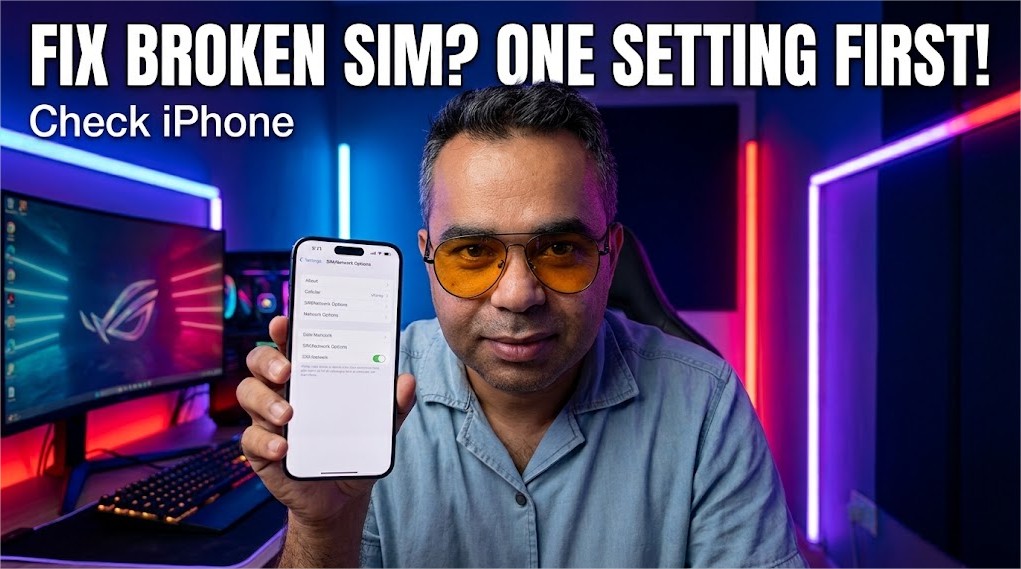
It wasn't the SIM. It wasn't the phone. Lockdown Mode quietly cut off an entire generation of cellular networks the moment you enabled it, and it never explicitly told you that's what just happened.
This article explains what Lockdown Mode was actually built for — defending against sophisticated mercenary spyware, not everyday threats — and why Apple deliberately cut off older cellular networks specifically to block downgrade attacks from cell-site simulators like Stingrays. It walks through exactly why this causes real confusion in the field: in areas with incomplete 4G or 5G coverage, a phone that relied on a 3G fallback suddenly loses signal entirely, producing symptoms that look identical to a failing SIM card or hardware fault. The piece closes with the exact diagnostic steps to check before assuming a hardware problem, including the lesser-known toggle that lets you selectively restore 2G access without fully disabling Lockdown Mode's other protections
📋 Table of Contents
1. What Lockdown Mode Was Actually Built to Do
Lockdown Mode isn't a general "make my phone more secure" switch, and treating it as one is where most of the confusion starts. Apple built it for a narrow, specific threat: mercenary spyware, the kind developed by private companies and sold to governments to target journalists, activists, and dissidents through highly sophisticated, often zero-click exploits. Apple's own documentation is unusually blunt about this, stating directly that most people are never targeted by this type of attack at all.
Security researchers at Citizen Lab have since documented real cases where Lockdown Mode actually stopped an active spyware exploit chain in progress — including one used against a journalist, where investigators later confirmed the FBI's own forensic tools couldn't get into the phone specifically because Lockdown Mode was active. That's the environment this feature was designed for. It's a genuinely powerful tool. It's also a genuinely aggressive one, and aggressive tools cut in more than one direction.
2. Everything Lockdown Mode Restricts, in Full
To understand why the cellular issue catches people off guard, it helps to see the complete picture of what gets restricted, according to Apple's own support documentation:
- Most Messages attachment types are blocked, and link previews are disabled entirely.
- Complex web technologies like just-in-time JavaScript compilation are disabled in Safari, unless you specifically exclude a trusted site.
- Incoming FaceTime calls and other Apple service invitations are blocked unless you've previously contacted that person or service yourself.
- Wired connections to a computer or accessory are blocked while the device is locked.
- Configuration profiles can't be installed, and the device can't enroll in Mobile Device Management while Lockdown Mode is active.
- Shared Albums disappear from Photos, and new Shared Album invitations are blocked.
- Your device stops auto-joining non-secure Wi-Fi networks, and disconnects automatically from any it's currently on.
Every one of these is disclosed on the confirmation screen before you enable the feature. Most people, understandably, skim it, tap through, and restart the phone. There's one more restriction in that list that reads as a minor technical footnote but ends up causing more support confusion than everything else combined.
3. The Restriction Nobody Reads Carefully Enough
Buried in that same disclosure, in smaller print than the Messages and FaceTime restrictions people actually notice day to day, is this: Lockdown Mode turns off 2G and 3G cellular support on iPhone and iPad entirely. Not throttles it. Not deprioritizes it. Turns it off, at the modem level, the moment the feature activates.
4. Why Apple Specifically Targeted Older Cellular Networks
This isn't an incidental side effect of some unrelated restriction — it's a deliberate, targeted security decision. Older 2G networks, and to a lesser extent 3G, use weaker encryption and authentication standards than modern 4G and 5G. That weakness is exactly what a class of surveillance equipment often called cell-site simulators, IMSI catchers, or by the brand name "Stingray," is built to exploit. These devices impersonate a legitimate cell tower and can trick a nearby phone into connecting through a deliberately downgraded, less secure connection — a technique researchers refer to as a bidding-down or downgrade attack.
By refusing to connect to 2G or 3G at all, Lockdown Mode removes that downgrade path entirely. There's no weaker network left for a hostile tower to trick your phone into falling back to, because your phone simply won't use one, full stop. It's a genuinely effective countermeasure against a real, documented surveillance technique. It's also the exact reason a phone can suddenly appear to lose all signal the moment Lockdown Mode gets switched on.
5. How This Turns Into a Support Ticket About a "Broken SIM"
Here's where the real-world confusion sets in, and it's a genuinely understandable mistake. Plenty of places on Earth still don't have complete, uninterrupted 4G or 5G coverage — rural areas, certain older buildings with poor signal penetration, some regions where carrier infrastructure upgrades have simply been slower to roll out. In those specific pockets, a phone with normal settings quietly falls back to 3G, or occasionally 2G, to keep basic connectivity alive. Most users never notice this handoff happening; the phone just keeps working.
Turn on Lockdown Mode, then walk into one of those same coverage gaps, and there's no fallback left. The signal doesn't get weaker. It goes to nothing, sometimes abruptly, sometimes only in specific rooms or locations that happened to rely on that older network layer. From the user's perspective, none of the visible symptoms point toward "I enabled a security feature earlier this week." It looks exactly like a failing SIM card, a broken antenna, or a phone that's suddenly, mysteriously defective — because losing all bars in a spot where the phone worked fine yesterday is precisely what a hardware fault would look like too.
6. How to Actually Diagnose and Fix It
Before assuming a hardware problem, this is worth checking first, since it takes under a minute and rules out the single most common false hardware alarm tied to this feature.
-
Check whether Lockdown Mode is actually onGo to Settings > Privacy & Security > Lockdown Mode. If it shows as enabled, that's very likely your answer before you spend money on a repair.
-
Look for a 2G Cellular Connectivity toggle inside the same menuOn current versions of iOS, Apple added a specific option that lets you re-enable 2G access without fully disabling Lockdown Mode's other protections — a genuine middle ground if you travel through, or live in, an area that occasionally needs it.
-
If you don't need Lockdown Mode's full protection right now, turn it off entirelySame settings path, then Turn Off Lockdown Mode, followed by a restart. Regular 4G and 5G connectivity returns immediately once the device reboots.
-
Only escalate to an actual hardware or SIM diagnosis afterwardIf signal problems persist with Lockdown Mode confirmed off, that's the point where a genuine SIM, carrier, or hardware issue becomes the more likely explanation — not before.
None of this makes Lockdown Mode a bad feature — for the narrow group of people actually facing sophisticated, targeted surveillance threats, it's one of the more effective consumer-facing defenses available anywhere, and the Citizen Lab findings back that up with real documented cases. The actual issue is smaller and more fixable than it looks: a security feature this aggressive deserves a warning screen that says, in plain language, "this may cut off your cellular signal entirely in some locations," not a line buried under Wi-Fi settings that most people tap past on their way to confirming the restart.
Explore More Awareness & Security Content
Discover more security tips, threat analysis, hacking awareness, and practical guides designed to help you stay safe online.
Visit Awareness & Security →