Cybersecurity Awareness
Quishing: How a Sticker Over a QR Code Became a Serious Phishing Threat
The parking meter looks normal. The restaurant menu looks normal. The QR code taped over the real one looks normal too — and that's exactly the problem.
A QR code carries no visible information about where it leads. That single fact — obvious once stated, almost never considered in the moment — is the entire basis for an attack category that has quietly become one of the more effective phishing variants in circulation: quishing, or QR code phishing.
Unlike a suspicious link in an email, which at least displays as text a cautious person might scrutinize, a QR code is a black box by design. You cannot read a QR code the way you can read a URL. You scan it and trust the result, because that is the only way a QR code can be used at all.
1. Why This Attack Only Became Viable Recently
QR codes existed for decades as a mostly niche technology before becoming a mainstream part of daily life. The shift came from a specific combination of factors: contactless service expectations normalized QR-based menus and check-ins, and native camera apps on modern smartphones added built-in QR scanning without requiring a separate app. Both changes removed friction from scanning random codes in public spaces — and removed the moment of hesitation that used to accompany installing a dedicated scanner app just to read one.
The attack itself isn't new in concept — it's the same redirection logic used in traditional phishing links. What changed is the delivery mechanism, and delivery mechanism is precisely what most existing security training and email filtering was built around.
2. The Specific Blind Spot QR Codes Exploit
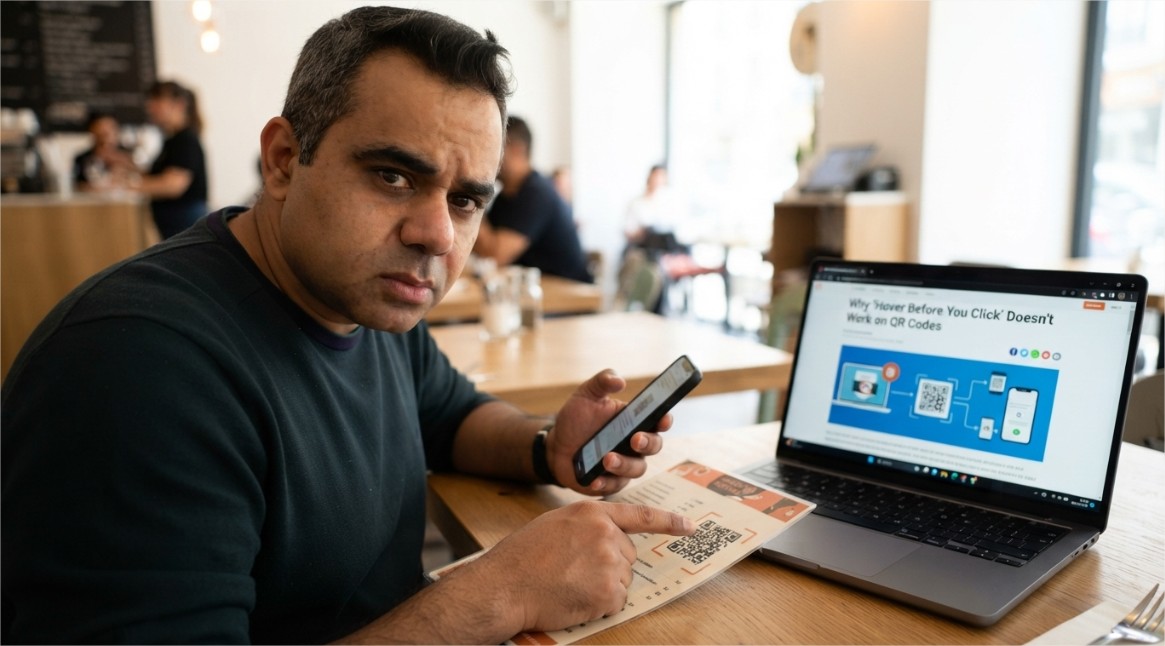
Years of phishing awareness training have taught people one consistent habit: hover over a link before clicking, and look at the actual destination URL. This single habit catches an enormous share of traditional phishing attempts, because a mismatched or suspicious domain is often visible before any click occurs.
A QR code has no equivalent preview step for most users. The destination is only revealed after scanning, at which point the phone has often already opened a browser or begun loading the page. The verification step that traditional phishing training relies on doesn't exist in the same form here — it has to be deliberately added back in, rather than assumed as a natural habit.
3. Where Quishing Actually Shows Up
The effectiveness of this attack depends heavily on context — a QR code feels legitimate specifically because QR codes are now expected in so many ordinary situations.
🅿️ Parking Meters and Payment Kiosks
A sticker with a fraudulent QR code is placed directly over the legitimate payment code, redirecting drivers to a fake payment page that captures card details.
🍽️ Restaurant Table Codes
Table-tent QR codes for menus or ordering are swapped or overlaid, leading customers to a convincing but fraudulent ordering or payment interface.
📦 Fake Delivery Notices
Physical notices left at a door claim a package requires customs payment or redelivery scheduling via a QR code, leading to a credential or payment-harvesting page.
📧 Email-Embedded QR Codes
Phishing emails increasingly embed a QR code as an image instead of a clickable text link, specifically to slip past filters built around scanning link text and domains.
🏢 Fake Wi-Fi or Check-In Codes
A code posted in a lobby or event space claiming to offer Wi-Fi access or event check-in instead leads to a credential-harvesting or malicious profile-installation page.
4. Why Email and Web Filters Struggle With This
Traditional phishing detection leans heavily on analyzing link text, domain reputation, and known-malicious URL databases directly present in a message. When a malicious URL is embedded inside a QR code image instead of appearing as text, that entire detection layer has to work differently: the filtering system must first recognize that an image contains a QR code, then decode it, then evaluate the resulting URL — an extra processing step that not every filter performs by default, and one that is comparatively new relative to decades of text-based link scanning.
This gap is exactly why quishing has increasingly been used as a way to reach inboxes that would otherwise catch a conventional phishing link on sight. The malicious destination is identical in principle to a normal phishing link — it is only the packaging that changed.
5. Recognizing a Malicious QR Code
Because the code itself gives no visual indication of its destination, the warning signs here are almost entirely contextual and physical rather than visual.
- A QR code that looks like a sticker placed over another code — check the edges for a raised sticker outline or a different paper texture from the surrounding sign.
- A QR code appearing somewhere it wouldn't normally be expected, such as loose on a wall, a random flyer, or a parking area with no other signage referencing it.
- Urgency-driven framing on a printed notice — "scan immediately to avoid a fee," "final notice," or similar pressure language paired with a code.
- A QR code embedded as an image inside an email, especially one urging immediate action like a password reset, delivery confirmation, or payment update.
- A destination page, once scanned, that asks for a password, payment card, or personal details immediately, especially if the branding looks slightly off or generic.
6. Building a Personal and Organizational Defense
The defense here is less about new technology and more about restoring the verification step that QR codes accidentally removed from everyday habits.
- Before scanning, check whether your phone's camera app shows a URL preview before opening it — most modern phones display the decoded link before navigating, and that preview is worth actually reading.
- Treat QR codes in public physical spaces with the same skepticism as an unsolicited link — verify against the venue's official website or app rather than assuming a posted code is legitimate.
- Avoid entering payment or login details immediately after scanning a code in a public setting; if payment is genuinely required, navigate to the organization's known official site or app directly instead.
- For organizations distributing physical QR codes — menus, event materials, signage — inspect codes periodically for signs of tampering or overlay stickers.
- For email security teams, ensure filtering tools specifically decode and evaluate QR codes embedded as images, not just text-based links, since this is an increasingly common evasion technique.
- Enable multi-factor authentication on accounts that could be targeted through a quishing-driven credential page, so a single scanned code and entered password isn't enough for full account access.
Conclusion
Quishing doesn't succeed because QR code technology is flawed — the format itself is just an encoding method, no more dangerous than a normal hyperlink. It succeeds because it exploits a genuine gap between how people were trained to evaluate links and how QR codes are physically used: scanned quickly, in public settings, usually without the deliberate pause that text-based link scrutiny still gets.
Closing that gap doesn't require avoiding QR codes altogether, since they remain a legitimate and convenient technology in countless everyday contexts. It requires treating the moment right after a scan — before entering any password, payment detail, or personal information — as the same decision point a suspicious link would trigger, rather than a formality already settled by the act of scanning itself.
Explore More Awareness & Security Content
Discover more security tips, threat analysis, hacking awareness, and practical guides designed to help you stay safe online.
Visit Awareness & Security →