Privacy Myths · Reality Check
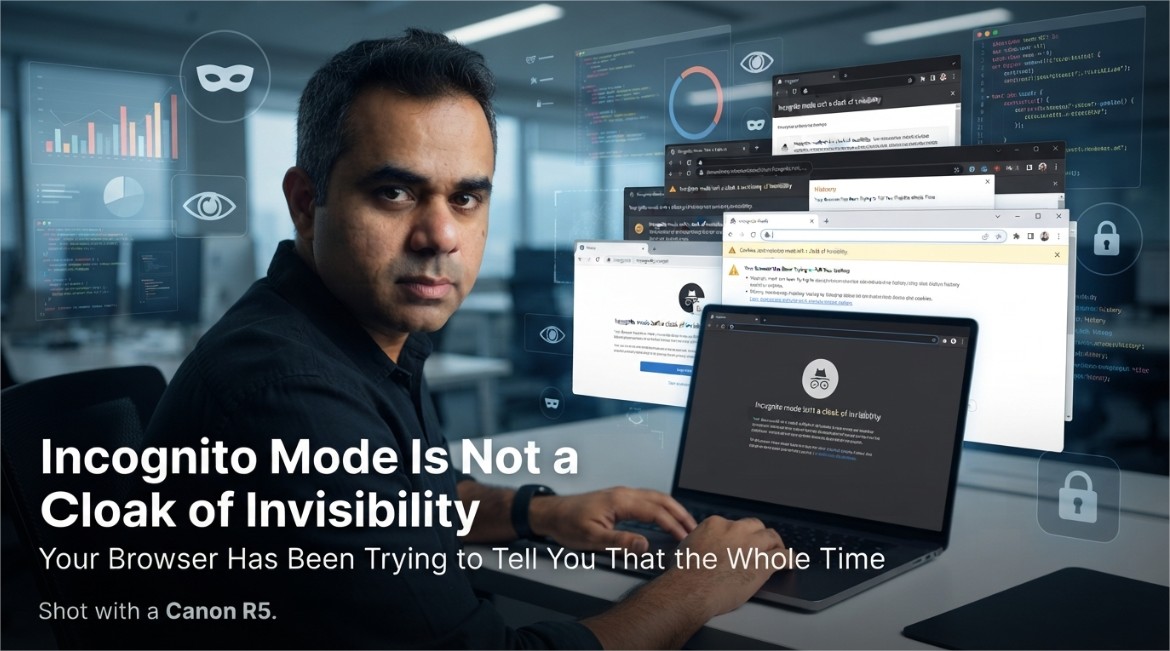
Incognito Mode Is Not a Cloak of Invisibility, and Your Browser Has Been Trying to Tell You That the Whole Time
You open a private window like you're slipping on a disguise. Your Wi-Fi router just watched you do it, unimpressed.
Somewhere out there, someone opened a private browsing window at 2 AM to research a surprise anniversary gift, felt a little smug about their operational security, and then had the gift recommended to them by an ad on Instagram the next morning. This happens constantly. And every time, the reaction is the same: betrayal, confusion, and a quiet suspicion that their phone is somehow listening through the microphone. It isn't. Incognito mode just never promised what everyone assumed it did.
Let's fix that assumption once and for all, because it's costing people surprise parties.
1. What Incognito Mode Actually Promises
Here's the honest, unglamorous truth: private browsing mode does exactly one job, and it does it well. It stops your browser from saving things locally on your own device — no entry in your browsing history, no new cookies left behind after you close the window, no autofill suggestions quietly remembering what you searched. That's genuinely useful if you share a computer, or you're checking something you'd rather not see auto-complete itself in front of family later.
What it was never built to do is make you invisible to the rest of the internet. It's a local privacy tool, not a global one — and the confusion between those two ideas is where the entire myth lives.
2. The Myth-vs-Reality Table Nobody Reads
| What People Assume | What Actually Happens |
|---|---|
| "My internet provider can't see this" | False — your ISP sees the same traffic either way |
| "My employer's network won't log it" | False — network-level monitoring doesn't care about your browser mode |
| "Websites won't know it's me" | False — if you're logged in, the site knows exactly who you are |
| "My browsing history won't be saved on this device" | True — this part genuinely works |
| "Cookies won't persist after I close the window" | True — also genuinely accurate |
Notice the pattern: everything incognito mode actually delivers happens on your device. Everything people wrongly expect from it happens somewhere else entirely — on a network, on a server, inside an account you're still logged into.
3. Everyone Who's Still Watching Anyway
Private browsing changes nothing about how your traffic travels across the internet. It leaves your device exactly the same way it always has, which means the usual cast of characters is still fully in the loop.
📡 Your Internet Provider
Sees which sites you connect to regardless of browser mode, because that visibility happens at the network level, not inside your browser.
🏢 Your Employer or School
Network administrators monitoring company or campus Wi-Fi see the same traffic whether your window says "Incognito" at the top or not.
🌐 The Website Itself
Still receives your request, your IP address, and everything needed to serve you a page — incognito mode doesn't route your traffic anywhere different.
📶 Whoever Owns the Router
On a shared home or public network, the router's own traffic logs are completely unaffected by what your browser tab is labeled.
4. The Website Doesn't Need Your Cookies — It Has Your Fingerprint
Even without a single cookie, websites have gotten remarkably good at recognizing a returning visitor through something called browser fingerprinting — quietly combining details like your screen resolution, installed fonts, browser version, time zone, and dozens of small configuration quirks into a combination specific enough to identify you again later, cookie or no cookie.
None of this requires anything sneaky or illegal on the website's part — it's just a side effect of how much technical detail your browser hands over automatically on every single page load, incognito or not. The private window closes the cookie door. It leaves several other doors wide open, mostly because those doors were never part of what incognito mode was designed to close.
5. The One Thing Incognito Can Never Fix
Here's the part that trips up almost everyone: if you log into your account inside a private window — your email, your social media, your shopping account — the entire privacy benefit evaporates instantly for anything you do afterward on that site. You've just told the website exactly who you are, voluntarily, with your own password. No amount of browser privacy mode can undo that handshake.
6. What Actually Gets You Real Privacy
None of this means private browsing is useless — it does its specific job well. It just means you need different tools for different privacy goals, rather than expecting one browser setting to cover all of them at once.
- Use incognito mode for what it's actually for: keeping local history and autofill clean on a shared device.
- Use a reputable VPN if your goal is hiding your browsing from your internet provider or a shared network — this operates at the network level, which is the layer incognito mode never touches.
- Log out of accounts entirely if you want a search or purchase not tied back to your identity, rather than assuming a private window quietly logs you out for you.
- Understand that fingerprinting-resistant browsing (privacy-focused browsers, tracker-blocking extensions) addresses a completely different problem than local history — layer these together instead of relying on any single one.
- Accept that on a company or school network, the network owner's visibility isn't something any browser setting on your end can override.
Conclusion
Incognito mode isn't lying to you, exactly — it's just been badly named for two decades, and the little spy-hat icon really hasn't helped clear things up. It was built to solve one specific, genuinely useful problem: keeping your local browsing history and autofill clean. It was never built to make you invisible to your ISP, your employer, or a website you're logged into — and expecting it to do all of that is how surprise anniversary gifts keep getting spoiled by an ad algorithm that was never actually fooled in the first place.
Know what the tool actually does, use the right tool for the actual privacy goal you have, and maybe just log out next time you're shopping for a surprise.
Explore More Awareness & Security Content
Discover more security tips, threat analysis, hacking awareness, and practical guides designed to help you stay safe online.
Visit Awareness & Security →