How to Use YouTube's "Erase Song" Feature to Clear a Copyright Claim
If a video gets a Content ID claim for copyrighted music, YouTube gives you a few ways to resolve it without re-uploading: trim out the claimed segment, replace the music with a track from YouTube's Audio Library, or use Erase Song to mute just the claimed audio while leaving dialogue and other sound intact.
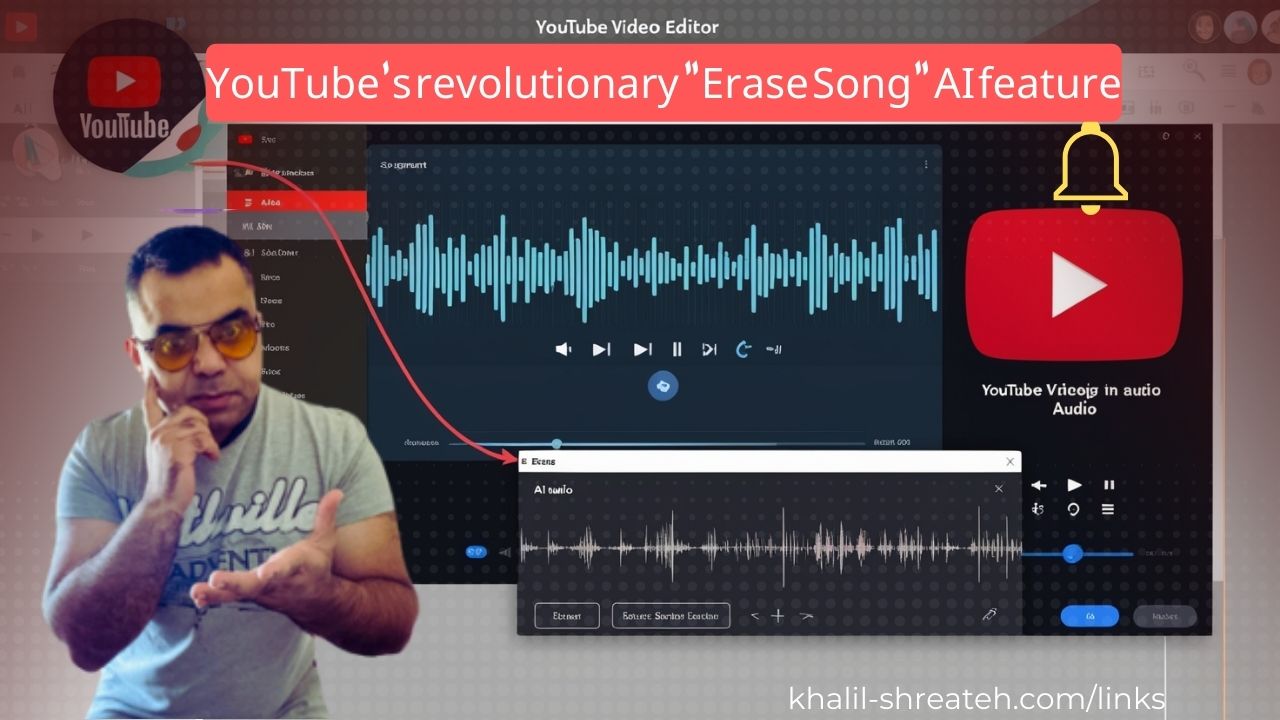
What Erase Song Actually Does
Erase Song uses an AI-powered detection system to isolate the specific claimed music within a segment and mute it — you can choose to mute just the song or all audio in that segment. This is different from the "Replace song" option, which swaps the claimed track for a different one from YouTube's Audio Library instead of muting it. YouTube introduced an upgraded, more accurate version of this tool in mid-2024, after the earlier version had accuracy issues that limited how well it worked.
Worth knowing: it doesn't always work perfectly. If the audio quality is poor, or the claimed music overlaps heavily with dialogue or other sound, the tool may struggle to isolate it cleanly — in those cases, trimming the segment or muting the whole section are the more reliable fallback options.
How to Use It
- Sign in to YouTube Studio and go to Content.
- Filter by Copyright to see videos with active claims.
- Select the affected video, and check the Restrictions column for the claim details.
- Under "Content identified in this video," choose the relevant claim, then click Select actions.
- Choose Erase song (or Trim out segment / Replace song if erasing doesn't work well for your case).
- Preview the edit in the video player, then save. Processing takes some time — you'll see a "Video editing is in progress" badge while it completes.
Once the claimed audio is fully addressed, the Content ID claim clears automatically and the video becomes eligible for monetization again.
Why This Matters for Creators
Before this tool existed, resolving a music copyright claim usually meant either losing the whole segment (trimming) or muting all audio in that section, including voiceover or ambient sound. Erase Song is meaningfully better because it targets just the claimed music — useful for anyone who films in public spaces where background music is out of their control (a busker, a store playing music, a car radio in the background), which previously created real friction for vloggers and livestreamers.
Limitations to Keep in Mind
- It only addresses audio Content ID claims — not video-based claims.
- Heavily overlapping or lower-quality audio may not separate cleanly from the claimed track.
- If your channel isn't in the YouTube Partner Program and the video has over 100,000 views, your edits may not save — this is a documented processing limitation on YouTube's end, not a bug on your side.
Tutorial:
Found this article useful!! share it with your friends..