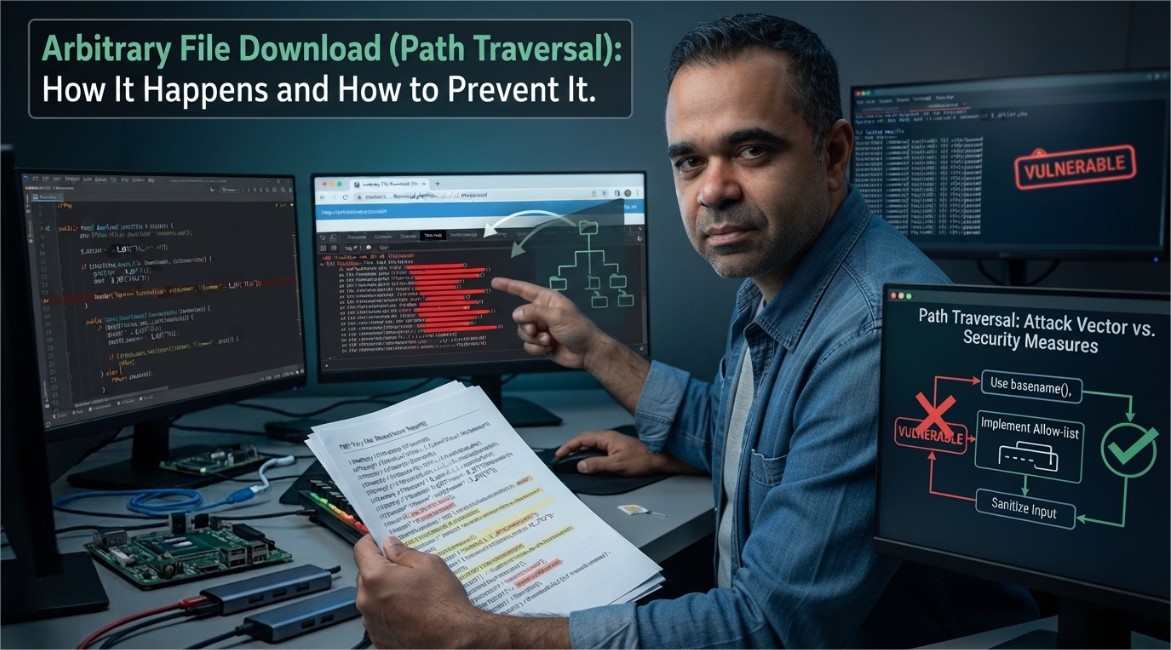
Arbitrary file download — more precisely known as path traversal or directory traversal — happens when a web application lets a user specify a filename to retrieve, but doesn't properly restrict that input to the files it's actually meant to serve. The result: an attacker can potentially retrieve any file the web server process has permission to read, not just the ones the application intended to expose.
How the Vulnerability Works
Many applications have a "download" feature that takes a filename parameter and appends it to a fixed storage directory, roughly like this:
download_file('/var/www/store_file/' + params[:filename])In the intended case, a user requesting "myFile" gets served /var/www/store_file/myFile. The vulnerability appears when that filename parameter isn't validated. If an attacker supplies a value like ../../../etc/passwd instead of a normal filename, and the application doesn't strip or reject path traversal sequences (../), the resulting path can escape the intended directory entirely and reach sensitive system files — potentially including credential files, configuration files with database passwords, or other server-side secrets, depending on what the web server process has permission to read.
Why This Is Serious
The severity depends entirely on what account the web server is running as. If it's running with elevated privileges, the range of readable files — and the potential impact — is much larger. This is exactly why running web application processes with the minimum necessary privileges (never as root/administrator) is considered a baseline security practice, not an optional hardening step.
How to Prevent It
- Never build file paths directly from user input. Use an allow-list of valid filenames or file IDs instead of accepting a raw path or filename from the client.
- Strip and reject path traversal sequences (
../, encoded variants like%2e%2e%2f, absolute paths) before any file operation. - Resolve the final path and confirm it's still inside the intended directory before serving the file — comparing the resolved absolute path against the expected base directory catches traversal attempts that string-filtering alone might miss.
- Run the web application with the least privilege necessary. A properly sandboxed, non-root process limits the damage even if a traversal bug exists.
- Use framework-provided file-serving methods rather than building your own — most modern web frameworks include built-in protections against this exact class of bug.
Checking Your Own Applications
If you maintain a web application with any kind of file download or file-serving feature, it's worth specifically testing what happens when a filename parameter is given unexpected input — traversal sequences, absolute paths, or null bytes — rather than assuming your framework handles it automatically. This is a standard check in most web application security audits precisely because it's such a common and consequential class of bug.