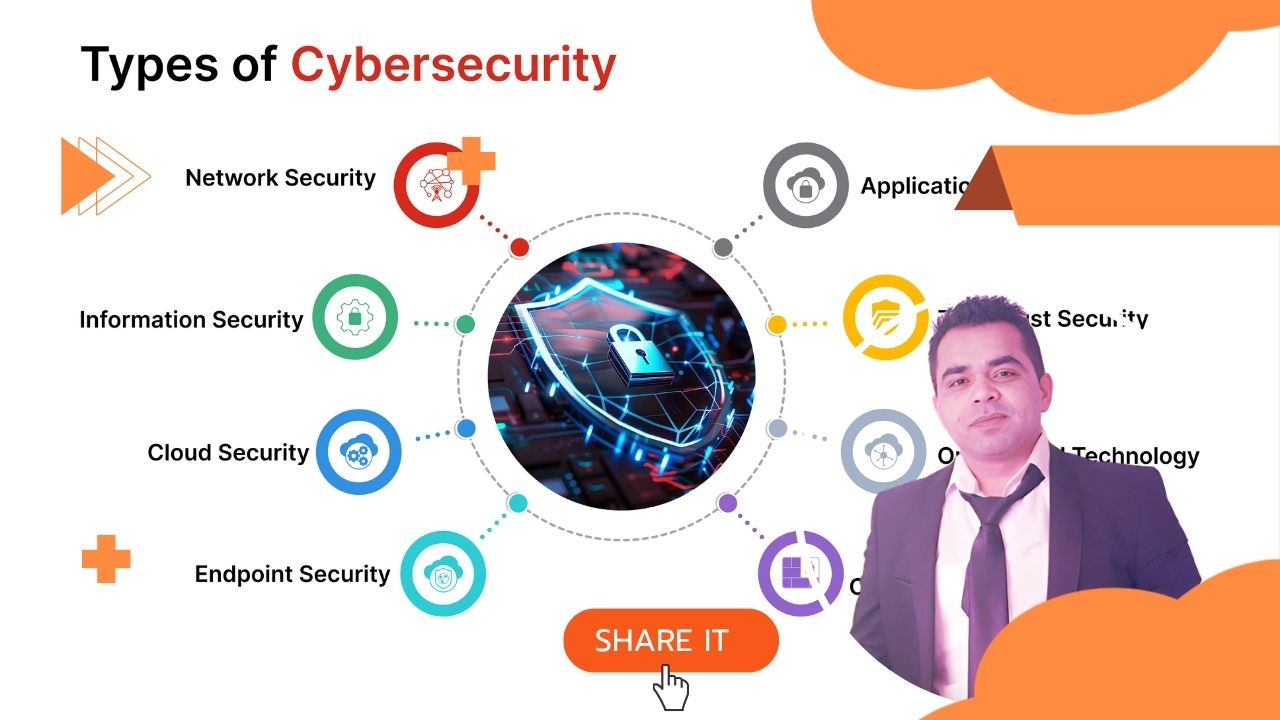
Introduction: The Price of Living in a Connected World
The digital age has transformed almost every aspect of modern life. We bank online, communicate through messaging apps, store our most sensitive documents in the cloud, and connect dozens of devices to home networks without giving it much thought. The convenience is extraordinary. But so is the risk.
Every device you connect to the internet is a potential entry point. Every account you create is a credential that can be stolen. Every network you join without checking is a conversation that could be overheard. Cybercriminals are not the shadowy lone hackers of Hollywood films — they are organized, well-funded, and methodical, operating on a global scale and targeting individuals, businesses, hospitals, and governments with equal enthusiasm.
Understanding the threats is the first and most important step in defending against them. You cannot protect yourself from something you do not recognize. This guide breaks down the most prevalent cybersecurity threats in plain language, illustrates each with real-world examples, and walks you through the concrete steps you can take to significantly reduce your exposure.
The Evolving Threat Landscape
One of the most important things to understand about cybersecurity is that the threat landscape does not stand still. Attackers adapt. As defenses improve, attack techniques evolve. A vulnerability discovered today may be actively exploited within hours. Software that was secure last month may be dangerously exposed after a new research paper drops. This is not a problem you solve once and move on — it is an ongoing discipline that requires awareness and consistent habits.
Threat 1: Malware
🦠 What It Is
Malware — short for malicious software — is an umbrella term covering any program designed to damage, disrupt, or gain unauthorized access to a system. This includes viruses, worms, Trojans, spyware, and ransomware. Once installed, it can operate invisibly for days, weeks, or months — stealing data, encrypting files, or handing control of your machine to a remote attacker.
Malware arrives through email attachments, malicious downloads, compromised websites, infected USB drives, or legitimate-looking software from unverified sources. The delivery method is almost always designed to appear trustworthy — because obvious threats get ignored.
Threat 2: Social Engineering & Phishing
🎣 What It Is
Social engineering is the art of manipulating people rather than systems. Instead of hacking software, attackers hack human psychology — exploiting trust, urgency, fear, or curiosity to trick individuals into revealing sensitive information or taking actions that compromise security. Phishing is the most common form: deceptive emails, texts, or websites that impersonate legitimate organizations to steal credentials or install malware.
Modern phishing attacks are highly targeted and difficult to distinguish from genuine communications — referencing real personal details gathered from social media or previous data breaches. Spear phishing targets individuals, whaling targets executives, vishing uses phone calls, smishing uses SMS. The delivery method varies; the manipulation technique is the same.
Threat 3: Man-in-the-Middle Attacks
👤 What It Is
A man-in-the-middle (MitM) attack occurs when an attacker secretly positions themselves between two communicating parties — intercepting, reading, and potentially modifying data passing between them without either party knowing. These attacks are particularly effective on unsecured networks where communications are transmitted without proper encryption.
The attacker does not need to break into either communicating system. They simply insert themselves into the channel through ARP spoofing, DNS hijacking, rogue Wi-Fi access points, or SSL stripping — a technique that downgrades an encrypted HTTPS connection to unencrypted HTTP.
Threat 4: Denial-of-Service Attacks
💥 What It Is
A denial-of-service (DoS) attack floods a server or network with more traffic than it can handle, causing it to crash and become unavailable. A distributed denial-of-service (DDoS) attack scales this by using thousands or millions of compromised machines — a botnet — to send traffic simultaneously from many different sources, making it far harder to block.
Threat 5: Cloud Security Vulnerabilities
☁️ What It Is
As organizations move data and operations to cloud platforms, the security of those platforms becomes critical. Cloud vulnerabilities include misconfigured storage buckets that expose data publicly, weak access controls, insecure APIs, and insufficient encryption. Misconfiguration is by far the most common cause — a single incorrectly set permission can expose millions of records with no authentication required, often going undetected for months.
Threat 6: Mobile Device Vulnerabilities
📱 What It Is
Smartphones now store more sensitive personal information than almost any other device we own — banking apps, email, photos, location history, health data, and authentication apps. Mobile threats include malicious apps, operating system vulnerabilities exploited before patches are applied, and communication interception attacks. The mobile attack surface is particularly challenging because users install many apps, often without reviewing permissions carefully.
Threat 7: Internet of Things (IoT) Security Risks
🔌 What It Is
Smart TVs, home assistants, security cameras, baby monitors, thermostats, industrial sensors — the IoT ecosystem connects billions of devices, most designed with convenience and cost in mind rather than security. Many ship with default passwords, limited update mechanisms, and minimal hardening. A compromised IoT device sits on your network and can be used as a foothold to reach other devices — or weaponized as part of a botnet attacking external targets.
Threat 8: Data Breaches
🗃️ What It Is
A data breach is any incident in which sensitive data is accessed, stolen, or exposed without authorization. Breaches can result from external attacks, insider threats, accidental exposure, or physical theft. Stolen credentials end up in dark web databases used in credential stuffing attacks. Exposed personal information enables identity theft, fraud, and targeted phishing. For businesses, breaches carry regulatory penalties, lawsuits, reputational damage, and the cost of incident response.
Fortifying Your Defenses
🔐 Strong Passwords and Two-Factor Authentication
Use a unique, complex password for every account — at least 12 characters, mixing letters, numbers, and symbols. A password manager makes this practical. Enable two-factor authentication on every account that supports it. Even if your password is stolen, an attacker still cannot access your account without your physical authentication device. Prefer authenticator app codes over SMS-based 2FA where possible.
🔄 Software Updates and Patch Management
The majority of successful cyberattacks exploit known vulnerabilities for which patches already exist. WannaCry, Equifax, Capital One — all enabled by delayed or missed updates. Enable automatic updates on your operating system, browsers, and applications. For organizations, define patching timelines with 24–48 hours for critical vulnerabilities.
🛡️ Antivirus and Antimalware Software
Modern endpoint security tools go beyond simple virus signature matching — they monitor process behavior, network connections, and file system changes to detect and block malicious activity in real time. Install trusted security software on all devices, keep it updated, and run regular full-system scans rather than relying solely on real-time protection.
🌐 Network Security: Firewalls and VPNs
Enable the built-in firewall on your operating system and router. On public Wi-Fi, always use a VPN to encrypt all traffic — making intercepted data useless even if an attacker successfully positions themselves in the middle. For IoT devices, place them on a separate network segment so a compromised smart device cannot reach your computers or phones.
🧠 Social Engineering Awareness
Develop a healthy skepticism toward unsolicited communications that create urgency, request credential verification, or prompt you to click a link. Verify the sender's actual email address — not just the display name. When in doubt, contact the organization directly through a number or URL you find independently. Legitimate companies do not pressure you into immediate action or threaten immediate consequences via email.
💾 Regular Data Backups
Follow the 3-2-1 rule: three copies of your data, on two different storage types, with one copy offsite or in the cloud. Test your backups periodically — a backup you have never restored is a backup of unknown reliability. For critical business data, automate and verify daily.
Quick-Reference Security Checklist
- Use a unique, strong password for every account — managed by a password manager
- Enable two-factor authentication on all accounts that support it
- Keep your operating system, browsers, and apps updated automatically
- Install and maintain reputable antivirus and antimalware software
- Enable your firewall on both your device and your router
- Use a VPN whenever connecting to public Wi-Fi
- Change default passwords on all IoT and router devices immediately after setup
- Back up critical data regularly following the 3-2-1 rule
- Verify the sender before acting on any unexpected email or message
- Never click links or download attachments from unverified sources
- Review app permissions before installing and revoke unnecessary ones
- Monitor your accounts for unusual activity and set up login alerts where available
Conclusion: Cybersecurity Is a Shared Responsibility
The threats described in this article are real, widespread, and growing. But they are not unbeatable. The vast majority of successful cyberattacks exploit a small number of well-understood, entirely preventable vulnerabilities: unpatched software, weak passwords, misconfigured systems, and human error under social engineering pressure. Addressing these fundamentals consistently reduces your risk dramatically.
Cybersecurity is not the exclusive domain of IT professionals. Every individual who uses a smartphone, logs into a bank account, or connects a device to the internet has a role to play. The habits you build — keeping software updated, using strong unique passwords, thinking critically before clicking — protect not just yourself but everyone you communicate with and every system you connect to.
The digital world offers remarkable things. Protecting your ability to use it safely and with confidence is worth the effort. Start with one item from the checklist above. Then take another. Security is not a destination — it is a direction, and any movement in the right direction matters.
Written by Khalil Shreateh Cybersecurity Researcher & Social Media Expert Official Website: khalil-shreateh.com